

“….he said it was interesting. He used the word ‘textured’. He said ‘smooth’ is boring but ‘textured’ was interesting, and the scar meant that I was stronger than whatever had tried to hurt me.” —Jeannette Walls
This week my assignment for the 52 photo challenge was to create images using a texture overlay. For those unfamiliar, it means after taking the image you add an overlay in the post-processing to give the photo a different texture.
I’ve never played with this feature before and had fun trying out different effects. Some of these I blended until they almost disappeared but others I made more obvious. Let me know if you have a favorite and what you think of this type of editing. Not sure I’ll use it often but it’s a great tool to add to my growing photography skills.
- If you are in the mood for some reading, here’s a short ghost story I wrote this time last year. I’m proud of this one. Week 41: The Cornfield


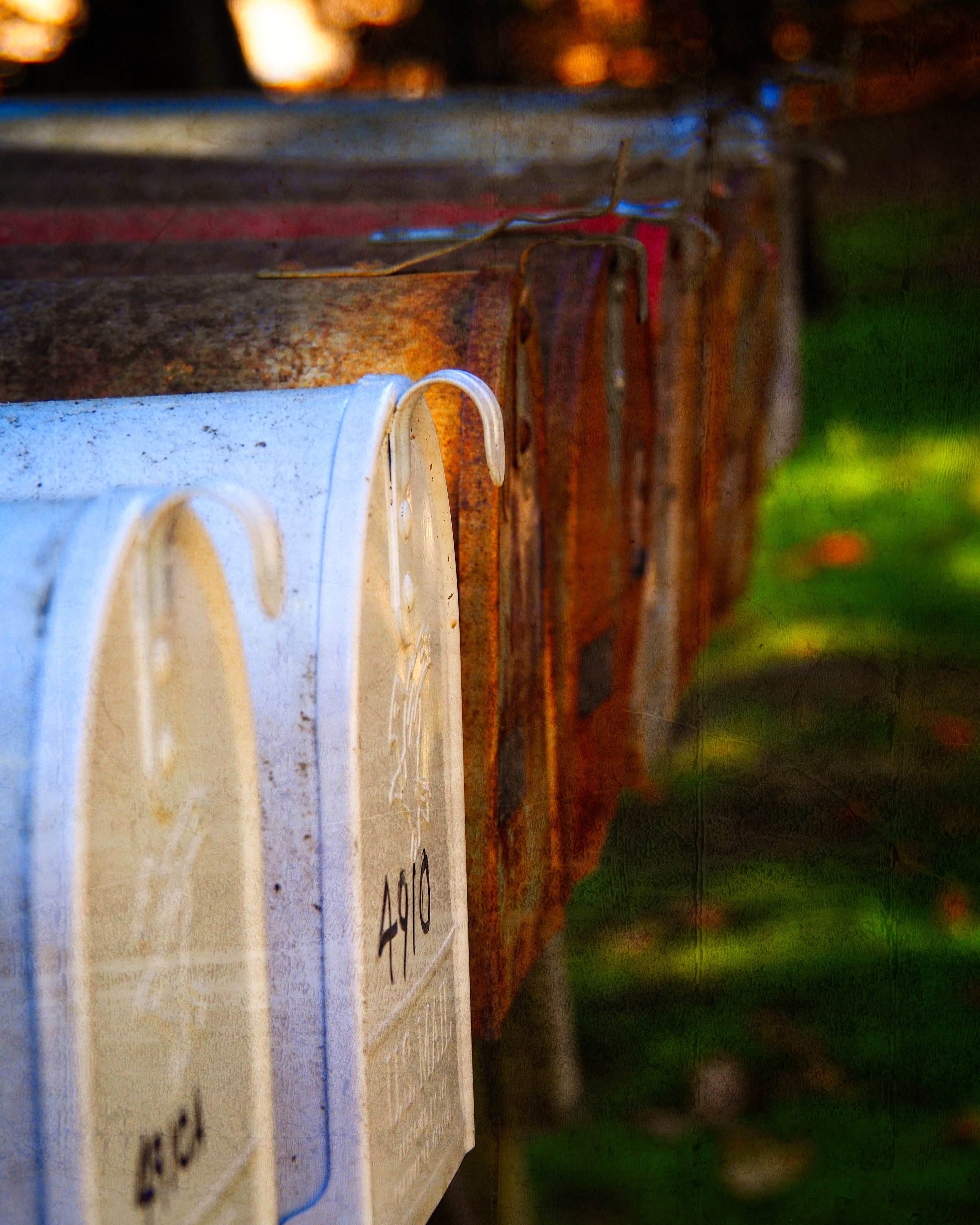
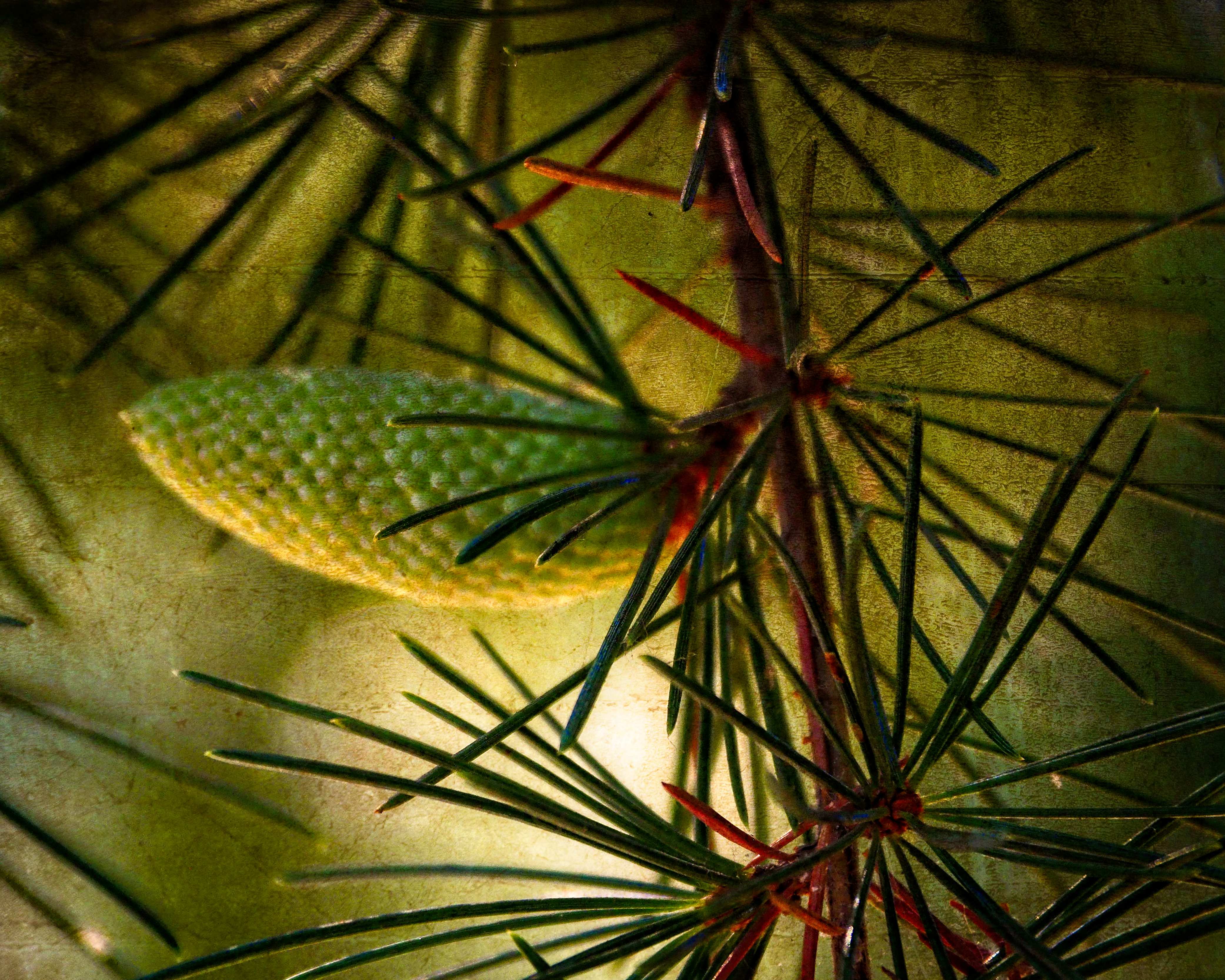
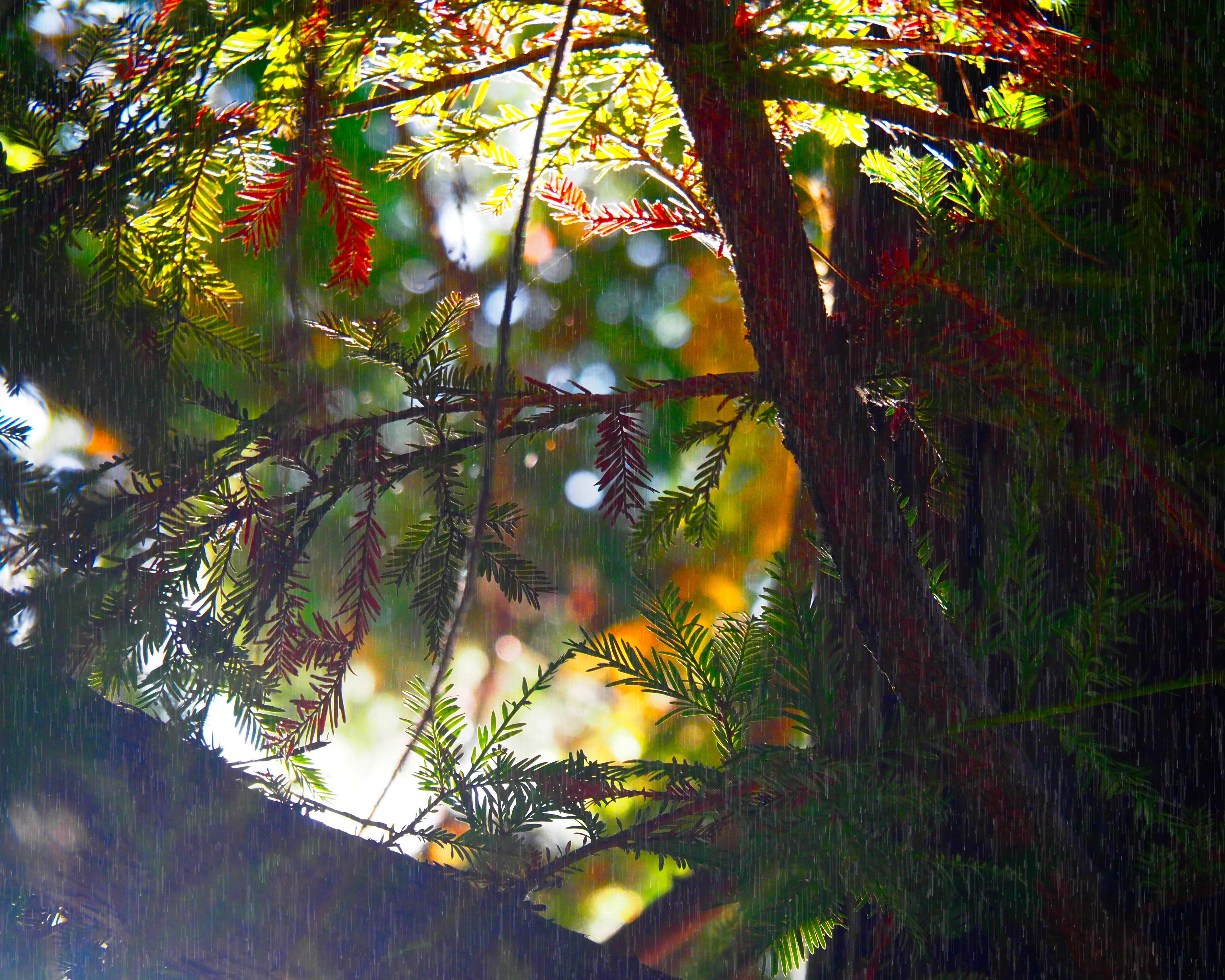
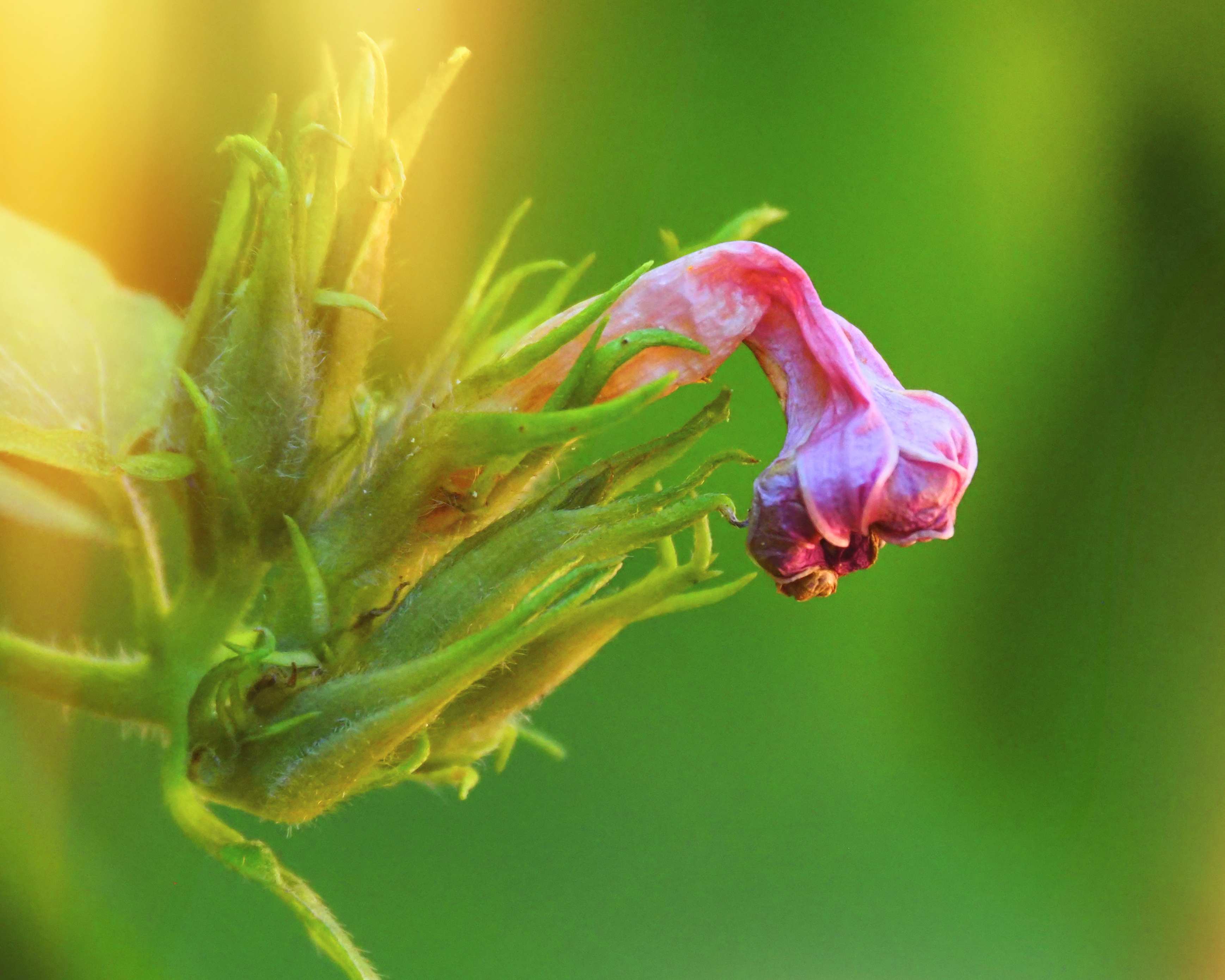
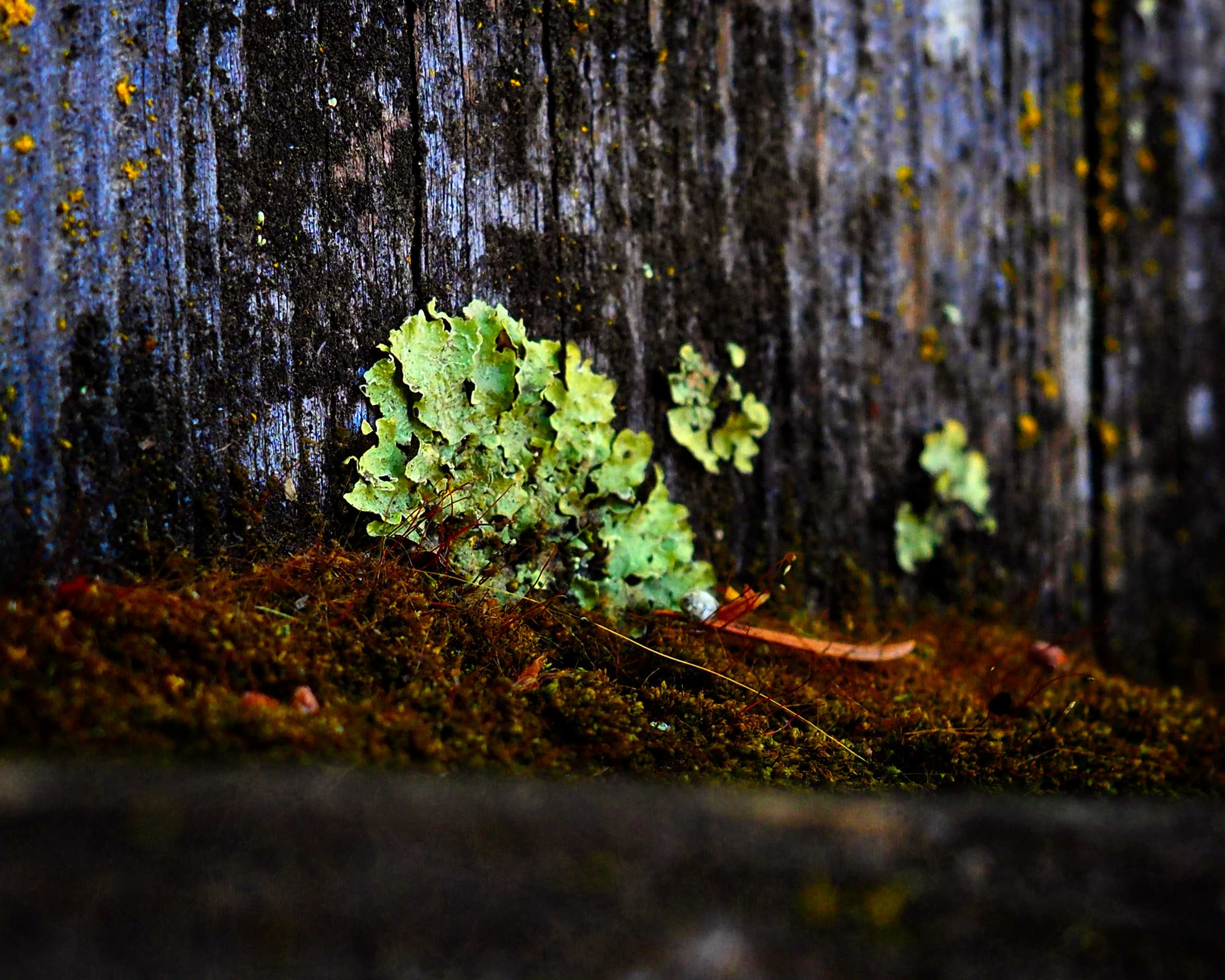
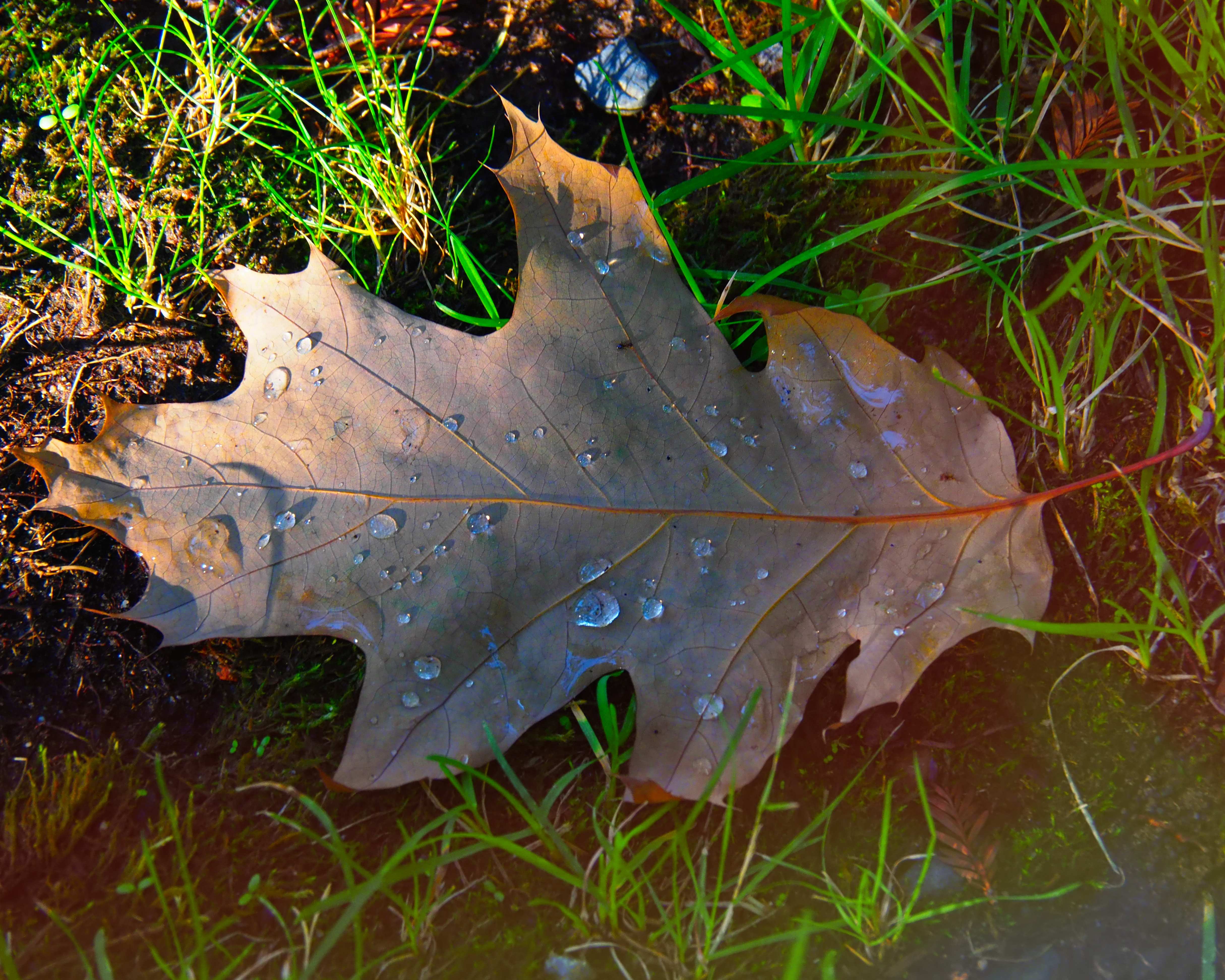
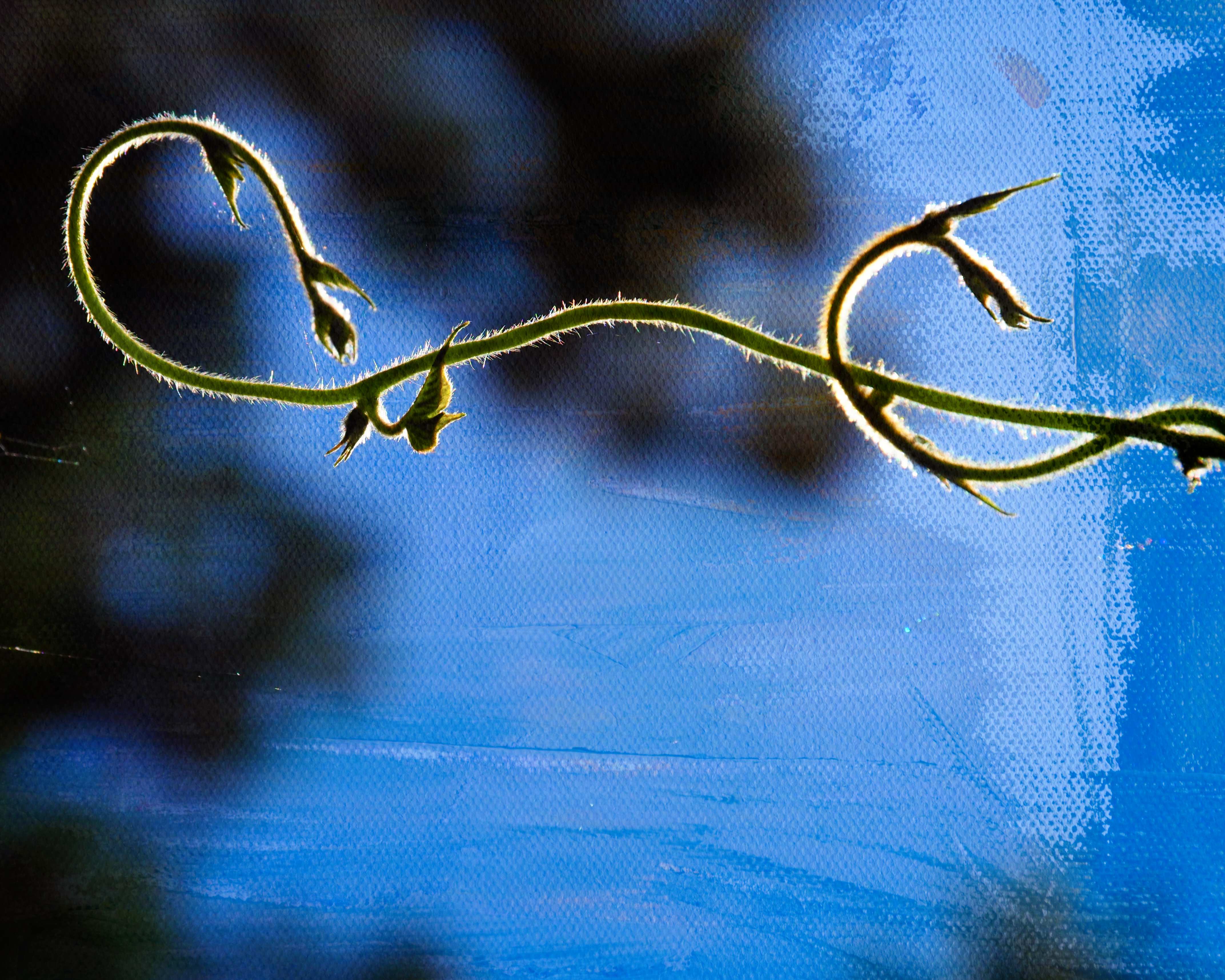

- Photos were taken with Olympus OM-D and edited with ON1 Photo RAW
- If you want to join the 52 Photo Challenge, you can find all the information at nicolesy.com
52 Photo Challenge
Week 1: Bokeh
Week 2: Silhouette
Week 3: Black and White
Week 4: Motion Blur
Week 5: Texture
Week 6: Framing
Week 7: Leading Lines
Week 8: Negative Space
Week 9: Patterns
Week 10: Symmetry
Week 11: Green
Week 12: Sidelight
Week 13: Sense of Scale
Week 14: One Lens
Week 15: Series
Week 16: Flat Lay
Week 17: Behind the Scenes
Week 18: Water
Week 19: Blurry Foreground
Week 20: Unique Perspective
Week 21: Shadow
Week 22: Food
Week 23: Abstract
Week 24: Reflection
Week 25: Contrast Color
Week 26: Think in Threes
Week 27: Starburst
Week 28: Low Perspective
Week 29: Macro
Week 30: Backlight
Week 31: Big Sky
Week 32: Dominant Color
Week 33: Fill the Frame
Week 34: Spot Metering
Week 35: Handheld Long Exposure
Week 36: S Curve
Week 37: Shoot Through
Week 38: Faces
Week 39: Blossom
Week 40: Environmental Portrait
 Bridgette Tales